
Control access to your WordPress administration panel with an extra graphic password layer. Protect against keyloggers and unauthorized access.
This plugin controls access to your WordPress administration panel with an extra graphic password. WP Admin Graphic Password is easy to setup and use. No extra hardware or complicated software to install — just a simple yet powerful visual authentication layer.
If your computer is infected with viruses or when you are using public places to access your website, remember that your password can be stolen. It's possible to keylog everything you type. With a graphic password, you don't type anything. Hackers will never get your graphic password because you enter it with the mouse or with your finger on mobile devices, iPhones, iPads, and other tablets. It's very easy to remember your graphic password.
WP Admin Graphic Password is simple but very powerful tool that adds a higher level of security to your website. It prevents access to the administration area without the appropriate graphic access key. Even with the correct login and password, hackers will not get access to the administrator area without the special secret key.
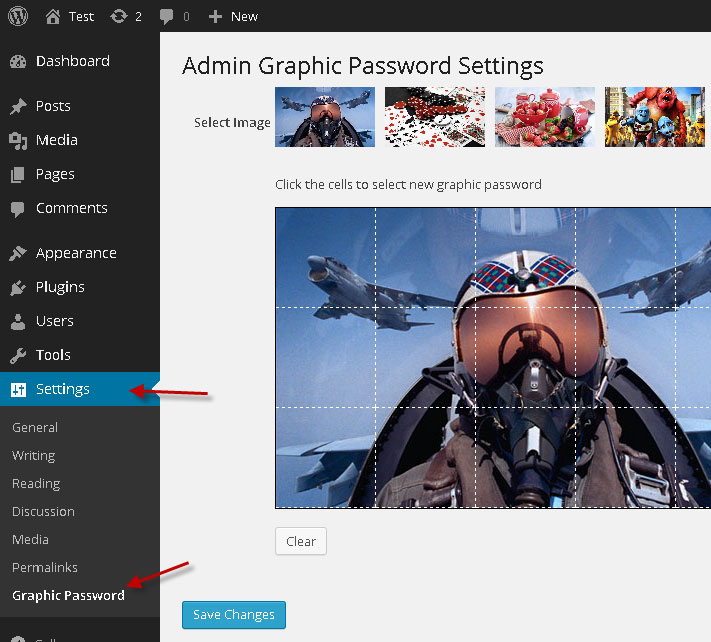
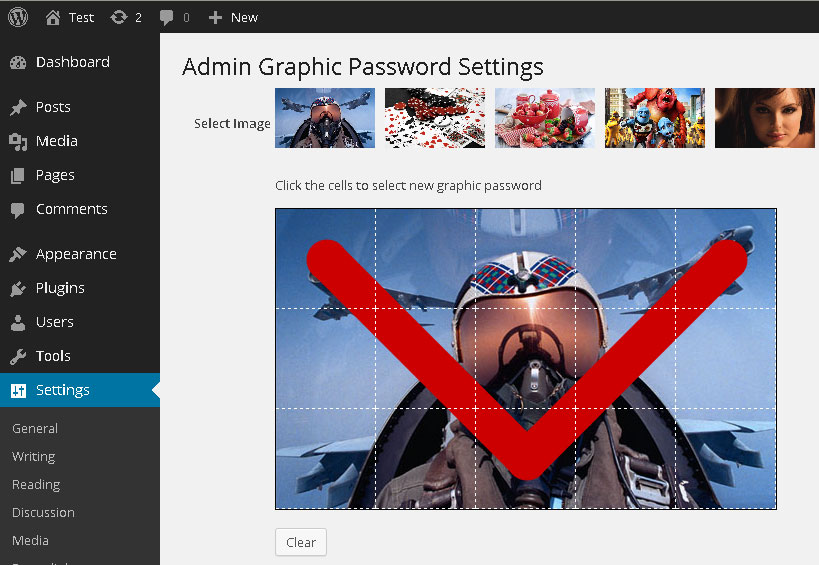
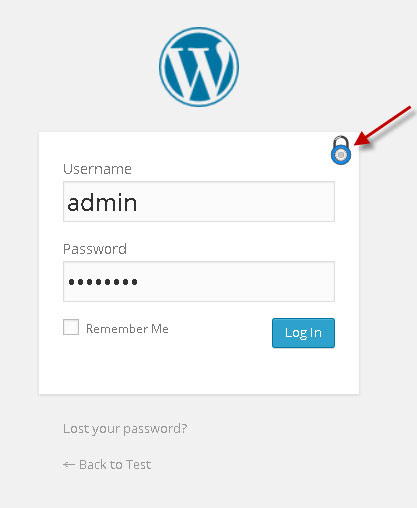
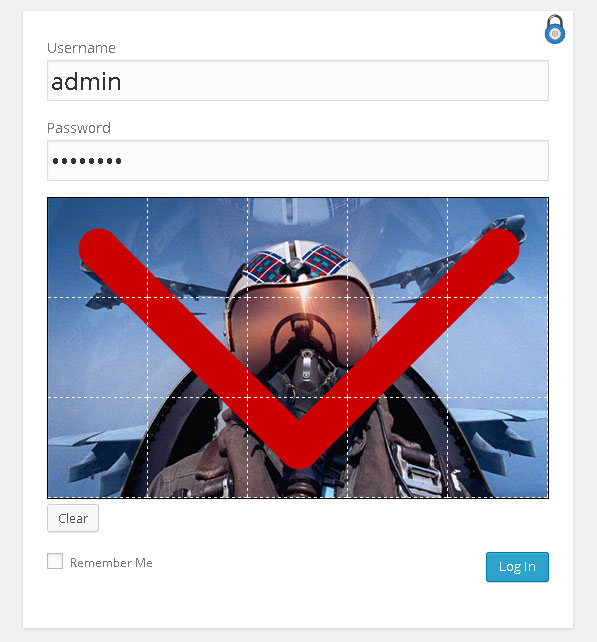
| Feature | Free Version | Paid Version |
|---|---|---|
| Protection with Graphic Password | ||
| Alerts and notifications (failed and successful attempts) | ||
| Prevent password brute force attack | ||
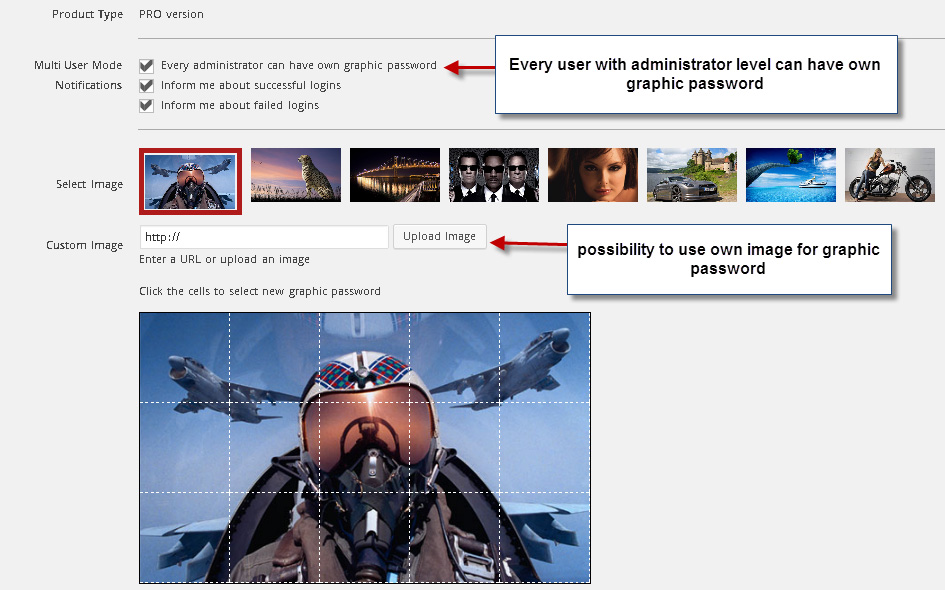
| Multi user support (individual graphic passwords) | ||
| Control notification types | ||
| Subscriber role support | ||
| Contributor role support | ||
| Author role support | ||
| Editor role support | ||
| Upload own images | ||
| Remove copyright | ||
| Unlimited Support & Help (Email + Live Chat) |
Add visual authentication to your WordPress admin panel and protect against keyloggers, brute force attacks, and unauthorized access.