
Protect your online reputation with continuous blacklist monitoring across Google, McAfee, Norton, BitDefender, PhishTank, Yandex, and other major security authorities. Get instant email notifications if your website is flagged or blacklisted.
Google blacklists more than 12,000 websites every day. If your website is blacklisted, you can lose up to 99% of your traffic overnight. Google actively protects its users from dangerous websites that may appear in search results, and if your site exhibits suspicious or malicious behavior, it gets flagged and banned — causing you to lose customers, visitors, and revenue.
When a website is blacklisted, Google Chrome and other browsers block all visitors from accessing it, displaying prominent security warnings that destroy user trust. Beyond Google, security vendors such as McAfee SiteAdvisor, Norton Safe Web, BitDefender, and Yandex Safe Browsing maintain their own blacklists. Being flagged by any of these services can significantly harm your website's reputation and search engine rankings.
It is extremely important to keep a close eye on your website's security status and continuously monitor whether it has been blocked by Google or other search engines. The WordPress Website Blacklist Monitor plugin provides automated, round-the-clock surveillance of your domain across all major blacklist databases, ensuring you are the first to know if a problem arises — giving you the critical time needed to respond and recover before lasting damage is done.
Did you know? Most website owners discover their site has been blacklisted only after noticing a dramatic drop in traffic — often days or weeks after the blacklisting occurred. By then, the damage to search rankings and customer trust can be severe. Proactive blacklist monitoring eliminates this blind spot and enables immediate remediation.
The WordPress Website Blacklist Monitor checks your domain against all the leading security and reputation databases used by browsers, antivirus software, and search engines worldwide.
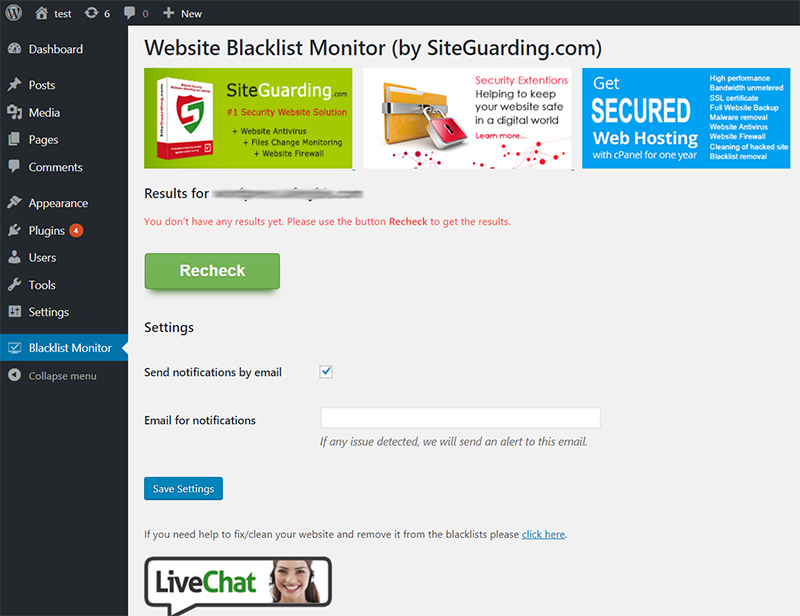
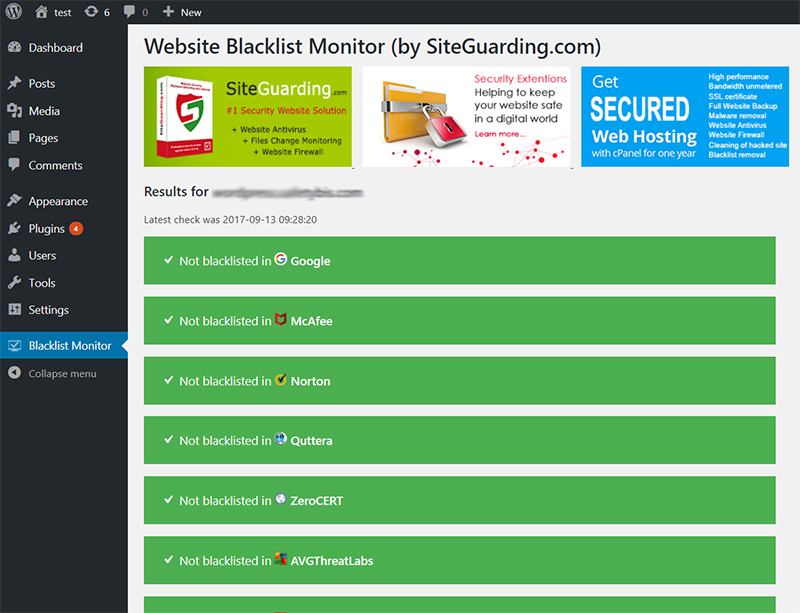
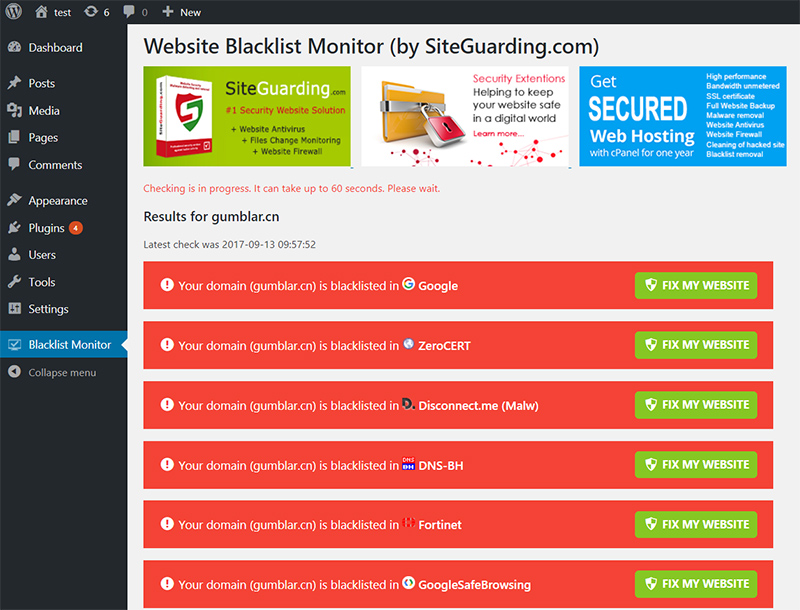
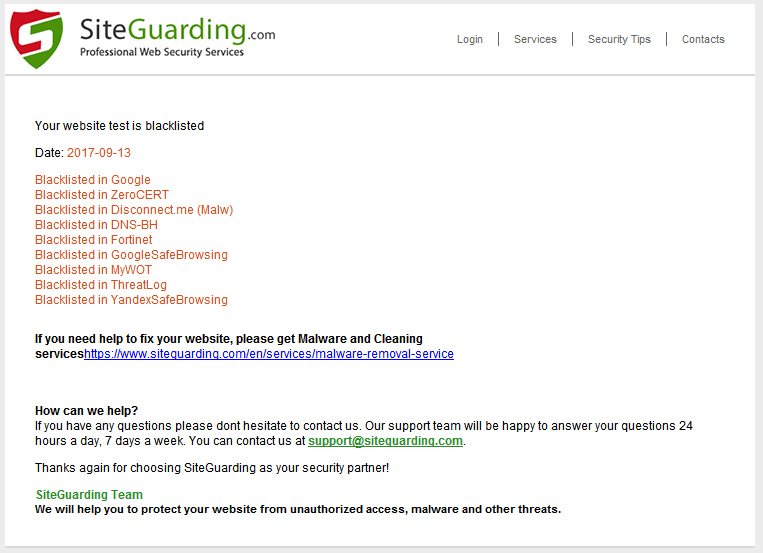
Once installed, the WordPress Website Blacklist Monitor automatically registers your domain with the SiteGuarding monitoring network. The plugin periodically queries all major blacklist APIs and databases to check your website's status. If your domain is detected on any blacklist, the system immediately sends an email notification to the site administrator with full details about which blacklist flagged your site and recommended next steps.
This proactive approach to website security monitoring means you no longer have to manually check multiple blacklist services one by one. The plugin consolidates all blacklist checks into a single, easy-to-read dashboard within your WordPress admin panel, giving you a comprehensive overview of your website's reputation across the entire internet security ecosystem.
When your website is blacklisted, browsers like Google Chrome display a full-screen warning page that prevents visitors from accessing your site. Search engines remove your pages from results or mark them as dangerous. This can result in losing up to 99% of your organic traffic, severely impacting revenue and brand reputation.
The plugin performs regular automated checks against all monitored blacklist databases. As soon as a blacklisting is detected, an email notification is sent immediately to the administrator email address configured in your WordPress settings. Early detection is crucial for rapid malware removal and blacklist delisting.
The Blacklist Monitor plugin is designed for detection and alerting. If your website is found on a blacklist, you will need to clean the malware or security issue first, and then submit a review request to the relevant authority. SiteGuarding offers professional malware removal services and blacklist removal assistance to help you through the entire process.
No. The blacklist checks are performed on the SiteGuarding server side, not on your WordPress hosting server. This means the plugin has virtually zero impact on your website's performance, page load speed, or server resources.
The WordPress Website Blacklist Monitor is compatible with WordPress 6.x and is regularly tested with the latest WordPress releases. It works seamlessly alongside other security plugins and does not conflict with caching or performance optimization tools.
Start monitoring your WordPress site against all major blacklists. Free to install — no credit card required.