
Antivirus and security for OpenCart stores. Find malware, injected code and blacklist warnings, and protect the administrator login.
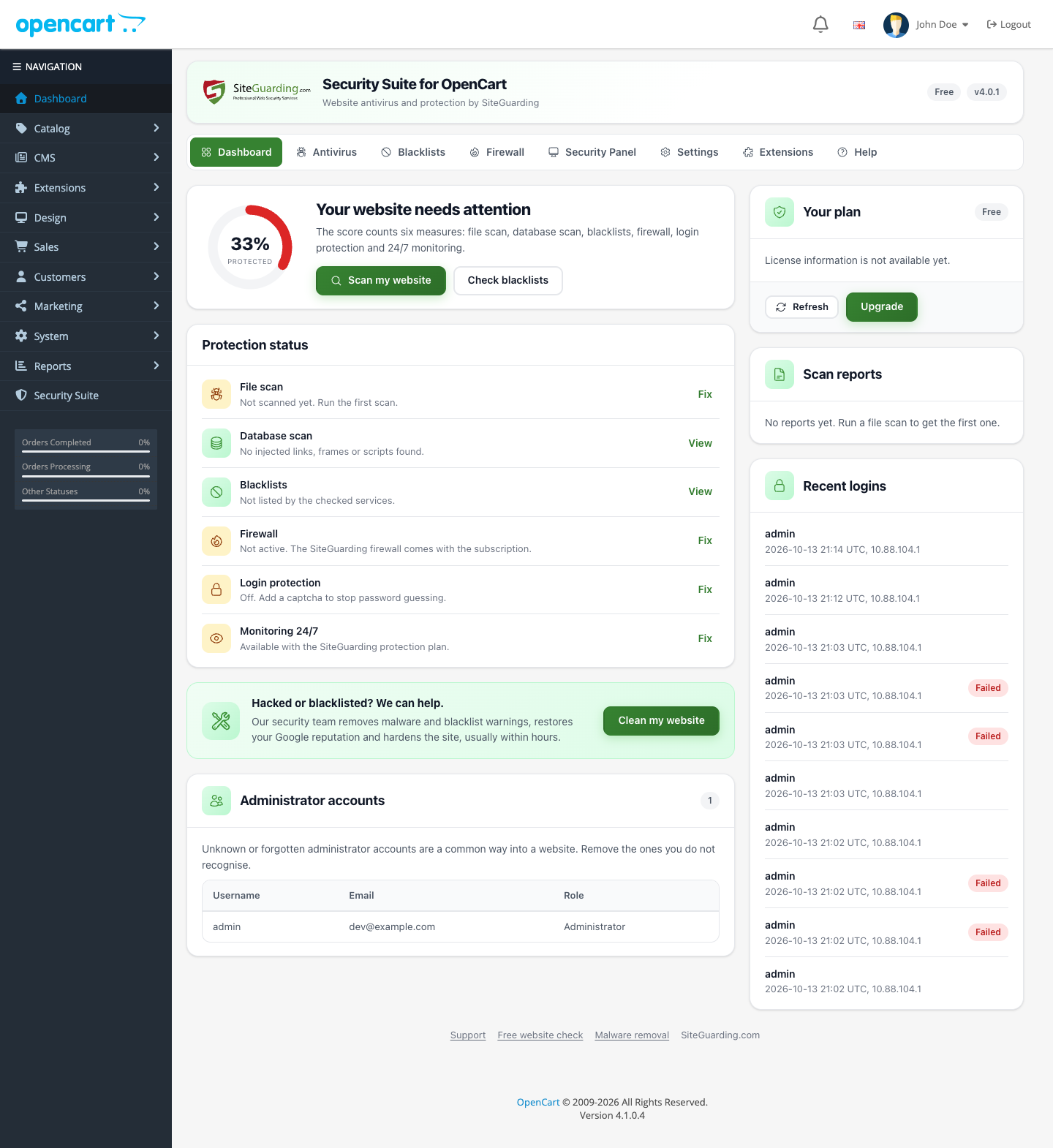
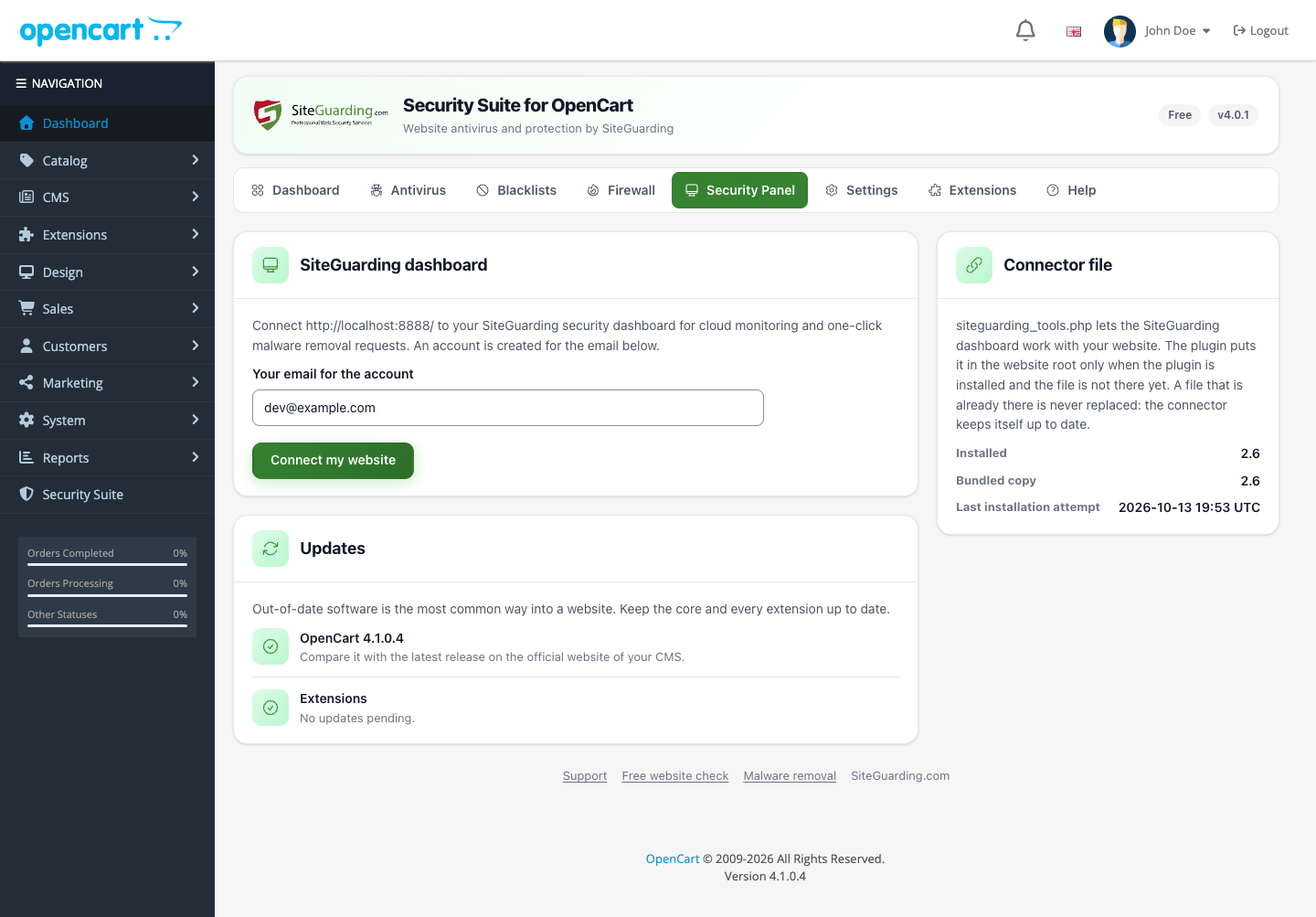
Security Suite for OpenCart checks your store for malware, injected code and blacklist warnings, and protects the administrator area from password guessing. It is the same Security Suite that protects WordPress and Joomla websites, with the same features and the same interface, built for OpenCart 3 and OpenCart 4.
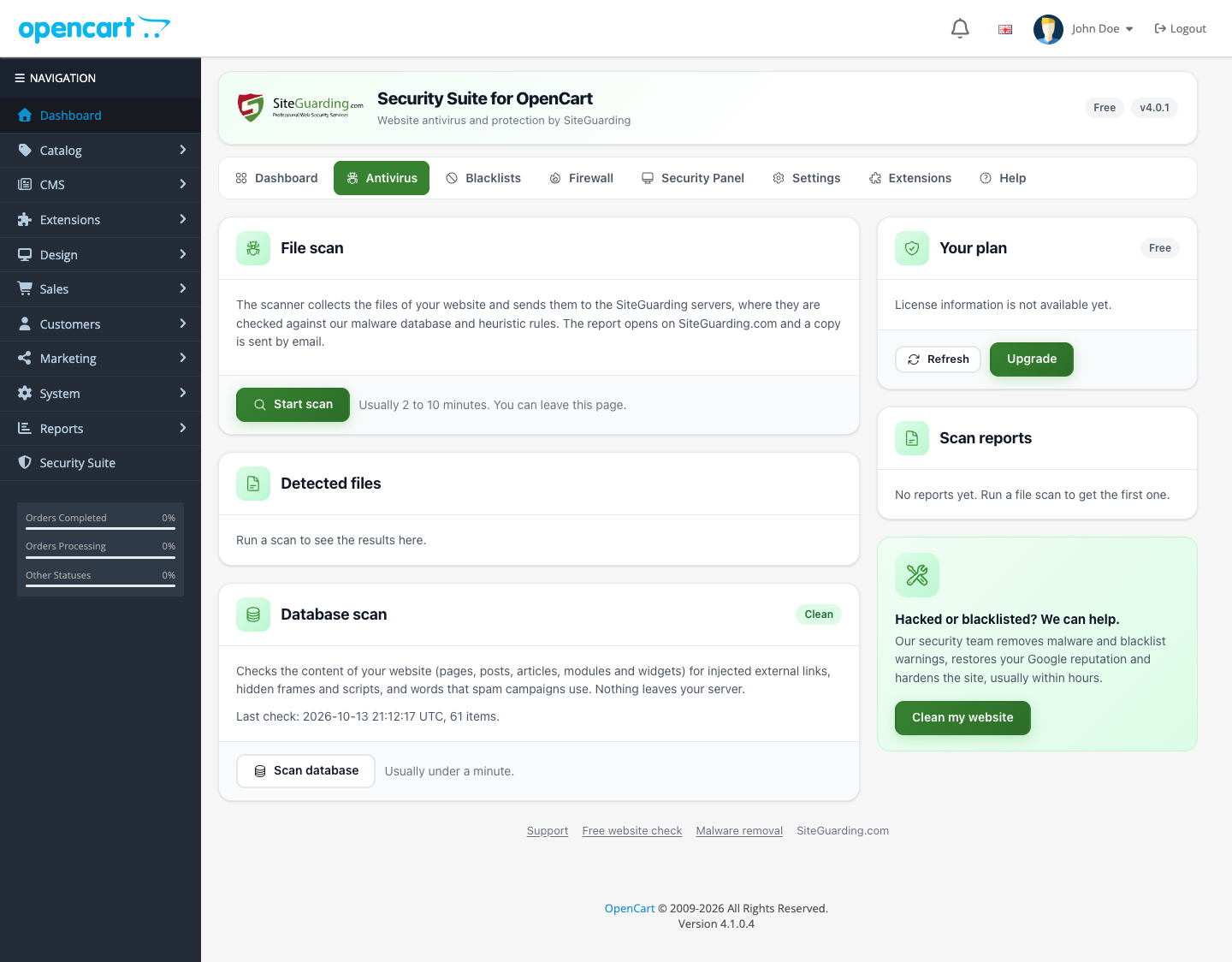
The file scan runs on the SiteGuarding servers: your files are checked against our malware database and heuristic rules, so the scan does not slow down your shop. The database scan runs on your own server and looks for spam links, hidden frames and scripts in your pages, products, categories and modules.
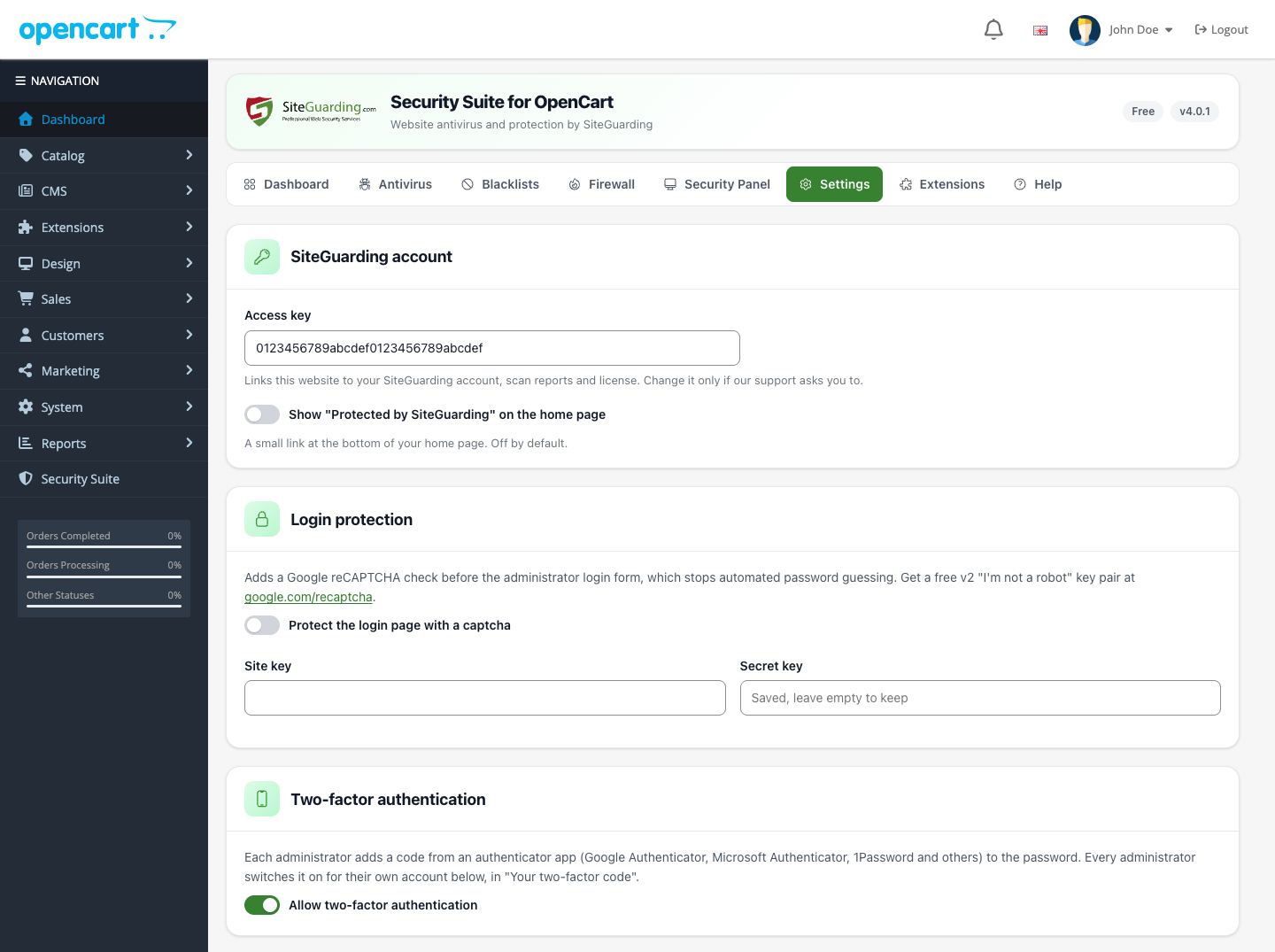
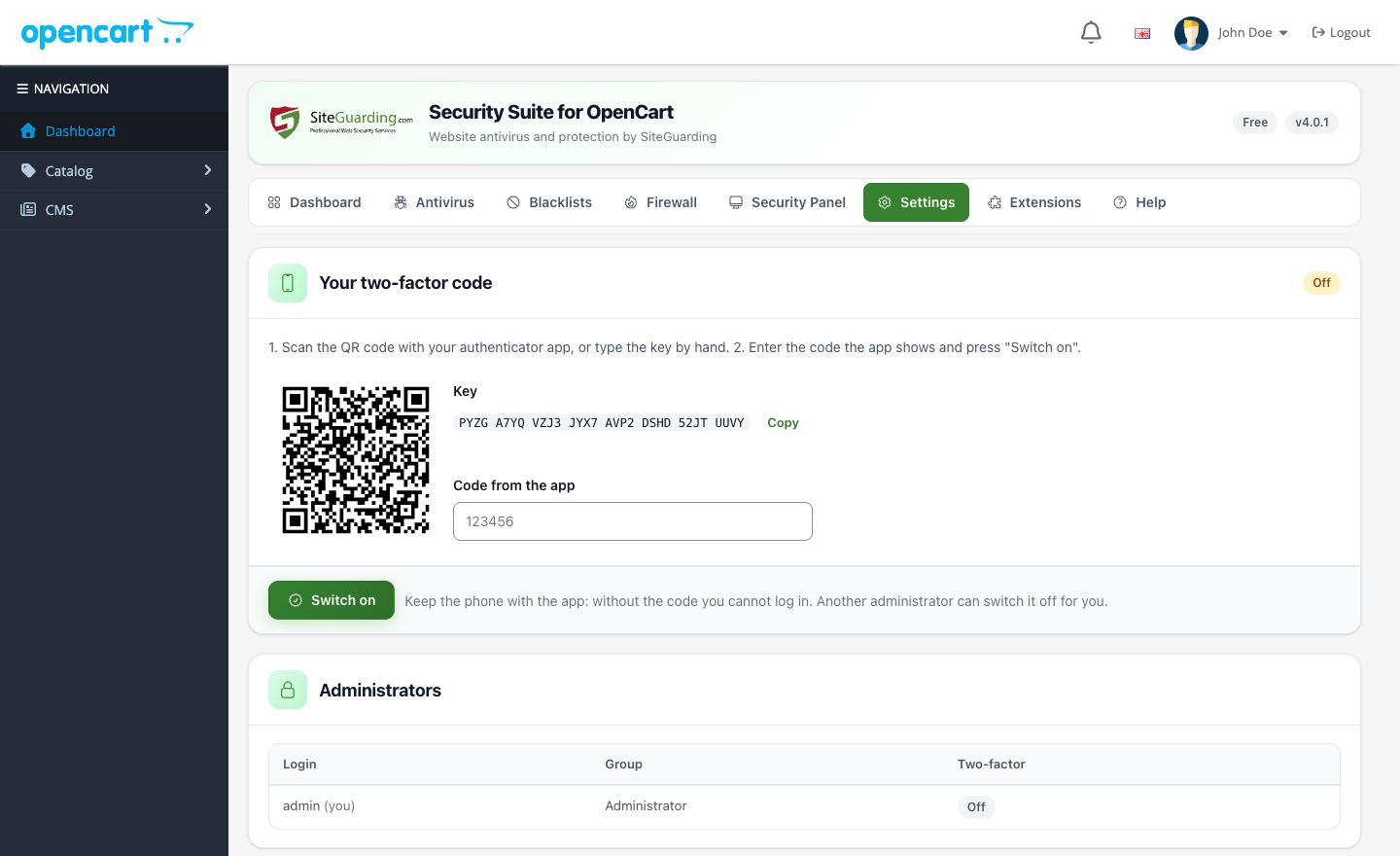
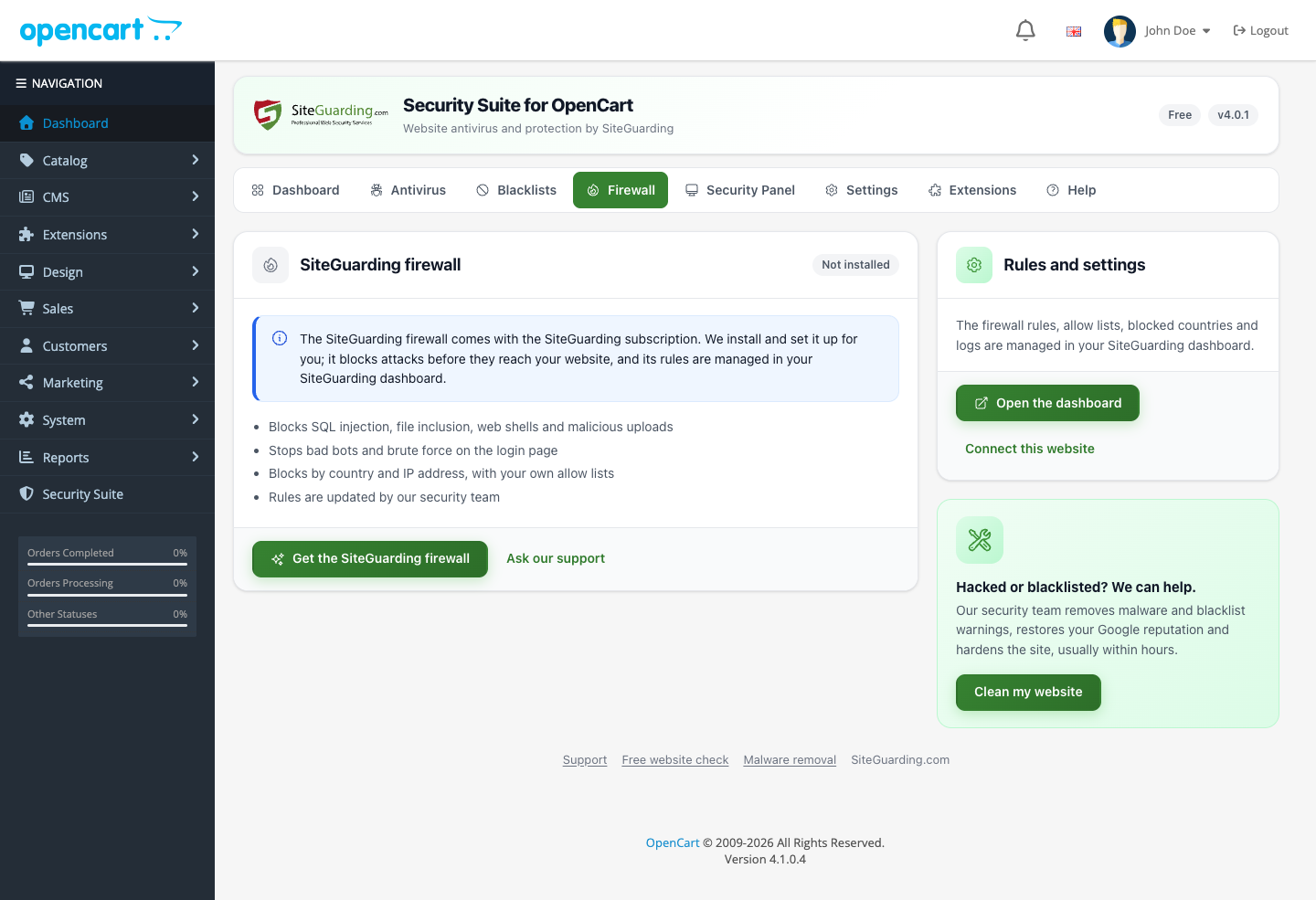
The administrator login gets a Google reCAPTCHA check, two-factor authentication with an authenticator app and alerts by email or Telegram. If your store is already hacked or blacklisted, our security team can clean it for you.
| Feature | Free Version | PRO Version$4.95 USD/month |
|---|---|---|
| Scanning and Analyzing files | Up to 500 files | Unlimited |
| Daily virus database update | ||
| Report generation | With some limits | |
| Get report by email | With some limits | |
| Heuristic Logic | ||
| Scans per day | 1 time per day | Unlimited |
| Cron feature (automated scanning) | ||
| Database scan | ||
| Blacklist Monitoring | With some limits | |
| Login protection with Google reCAPTCHA | ||
| Two-factor authentication | ||
| Login log and alerts (email, Telegram) | ||
| Premium Security expert help service | ||
| Premium Malware removal and code analysis | ||
| Premium Advanced Firewall (WAF) | ||
| Premium Daily files change monitoring | ||
| Premium Blacklist removal | ||
| Unlimited Support & Help | Email only | Email + Live Chat |
Get malware scanning, blacklist monitoring and login protection for your OpenCart store. Choose the package for your OpenCart version.
OpenCart 3.0.3 and newer 3.0.x versions need PHP 7.2+. OpenCart 4.0.2 and newer need PHP 8.0+.
OpenCart 4.0.2 and newer
1. Download siteguardingantivirus.ocmod.zip (do not rename the file: OpenCart takes the extension code from it).
2. In the admin area open Extensions > Installer, upload the file and click Install.
3. Open Extensions > Extensions, choose Modules, find Security Suite for OpenCart and click Install.
4. Open Security Suite in the admin menu.
OpenCart 3.0.x
1. Download opencart3antivirus.ocmod.zip.
2. In the admin area open Extensions > Installer and upload the file.
3. Open Extensions > Extensions, choose Modules, find Security Suite for OpenCart and click Install.
4. Open Security Suite in the admin menu.
Updates
The extension shows a notice when a new version is out. On OpenCart 4 uninstall the module and the old package in Extensions > Installer, then install the new package; on OpenCart 3 upload the new package in Extensions > Installer. Your settings are kept.
Upgrade from OpenCart Antivirus 1.0
On OpenCart 3 upload the new package over the old module; your connection to the SiteGuarding dashboard stays.