
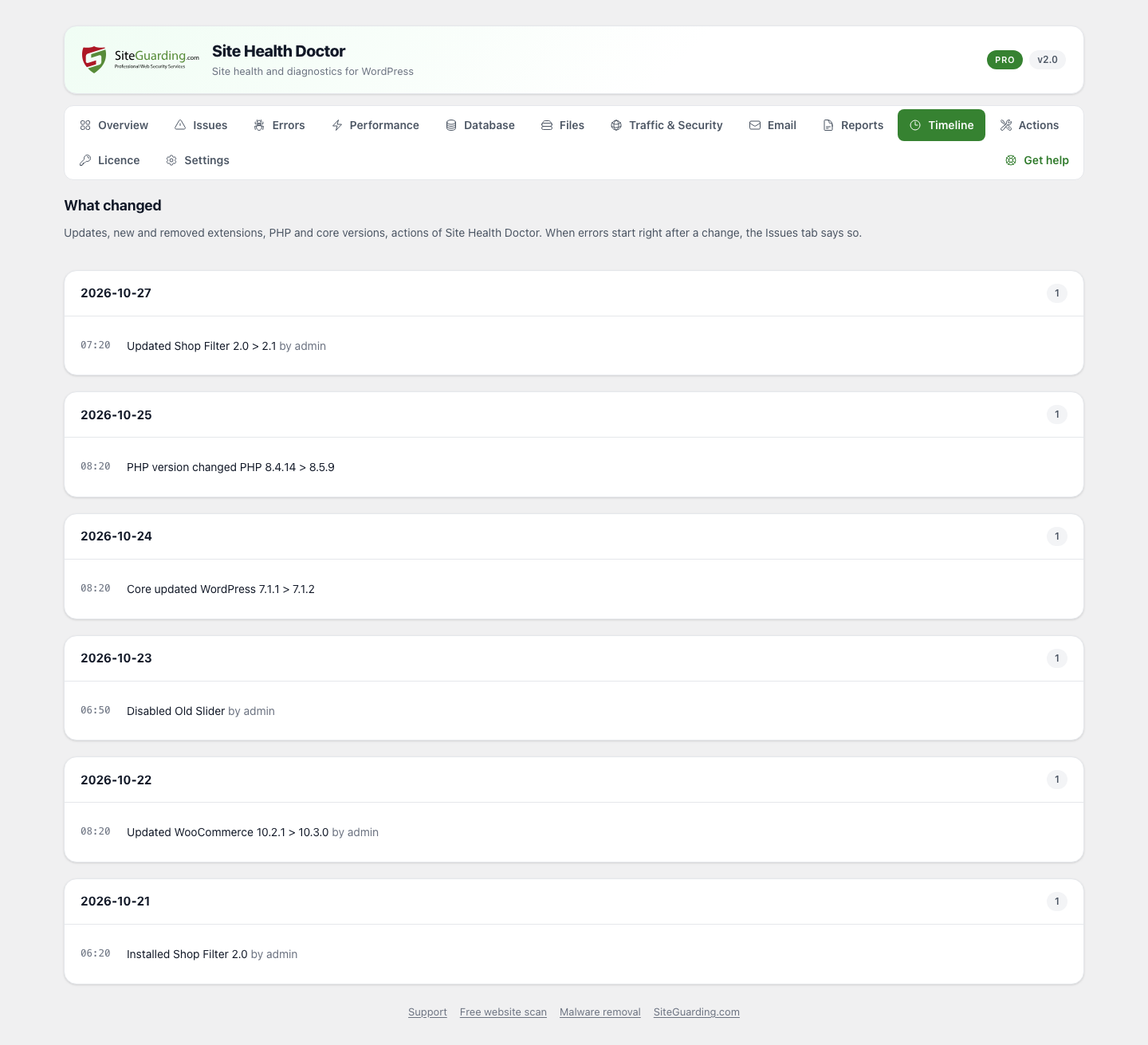
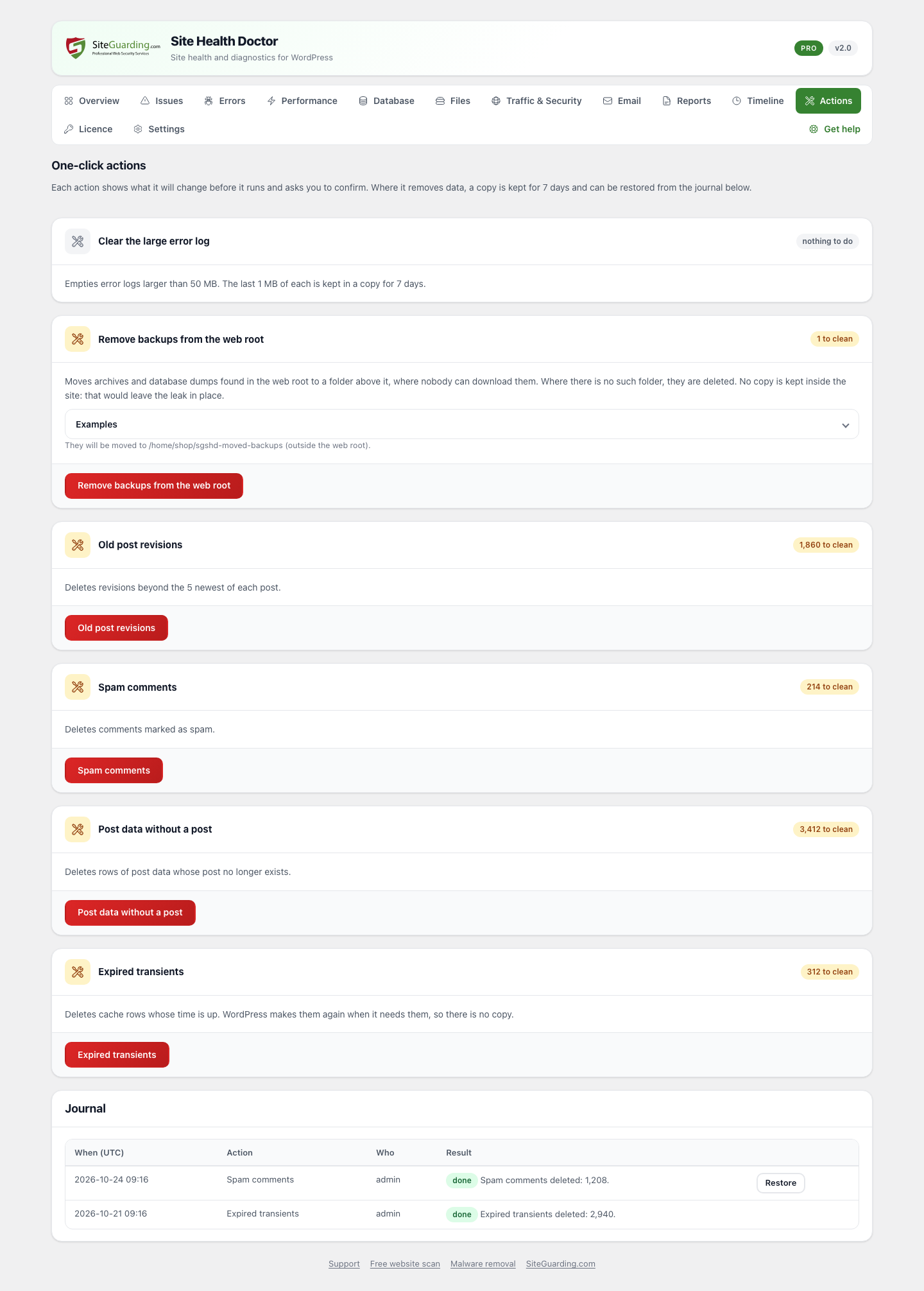
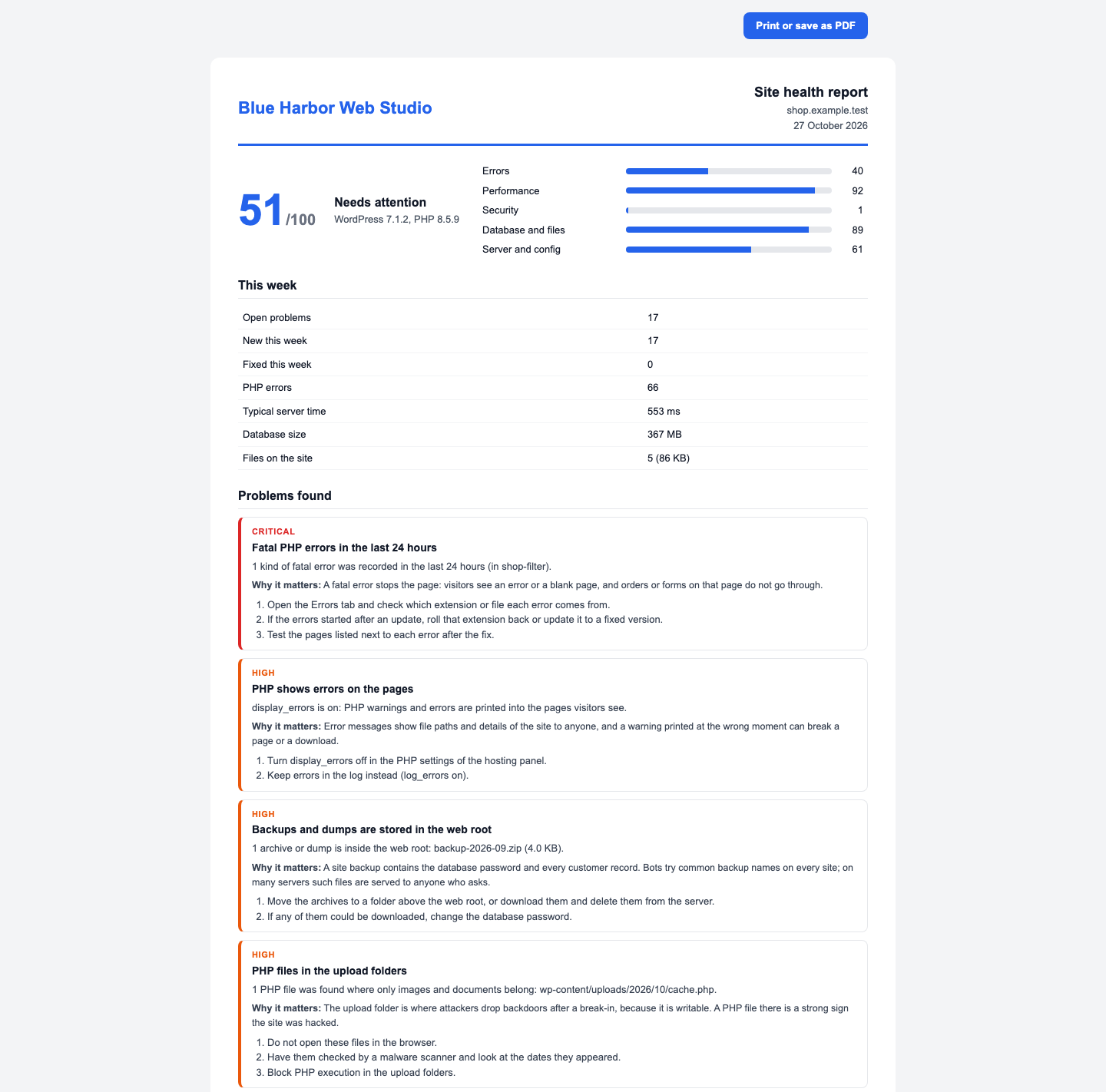
Everything of the free version, plus a year of history, alerts where your team works, the changes behind every new problem, safe clean-ups and reports with your own brand.
All plans are a yearly subscription with automatic renewal. One licence key works on all sites within its limit. Copies of a site for development and staging (localhost, *.test, *.local, staging.*, dev.*, test.*) do not count toward the limit.
$49.95 per year
$129.95 per year
$299.95 per year
Start a trial in your SiteGuarding account: enter the address of your site and get a key for 14 days. No card is needed. One trial per account and per site.
Pro for 1 site is included in the Website Care Plan and in the Premium and Business website protection plans. Your key is in your SiteGuarding account.
1. Install the free Site Health Doctor for WordPress.
2. Download the Pro add-on and install it in Plugins > Add New Plugin > Upload Plugin, next to the free plugin.
3. Open Site Health Doctor > Licence and enter the key from your SiteGuarding account.
The add-on works only with an active licence. WordPress 5.9 or newer, PHP 7.2 or newer.
1. Install the free Site Health Doctor for Joomla.
2. Download Pro for Joomla and install it in System > Install > Extensions > Upload Package File, next to the free extension.
3. Open Components > Site Health Doctor > Licence and enter the key from your SiteGuarding account.
The add-on works only with an active licence. Joomla 4.2 or newer, PHP 7.2.5 or newer.
1. Install the free Site Health Doctor for OpenCart.
2. Download Pro for your OpenCart version and install it in Extensions > Installer, then install the module Site Health Doctor Pro in Extensions > Extensions > Modules, next to the free module. In OpenCart 4, keep the file name.
3. Open Site Health Doctor > Licence and enter the key from your SiteGuarding account.
The add-on works only with an active licence. OpenCart 3.0.3.0 or newer with PHP 7.2 or newer, or OpenCart 4.0.2.0 or newer with PHP 8.0 or newer.
1. Install the free Site Health Doctor for PrestaShop.
2. Download Pro and install it in Modules > Module Manager > Upload a module, next to the free module.
3. Open Site Health Doctor > Licence and enter the key from your SiteGuarding account.
The add-on works only with an active licence and only next to the free module. PrestaShop 1.7.8.0 or newer with PHP 7.2 or newer. The folder inside the file is named siteguardinghealthdoctorpro: upload the file as it is.
1. Install the free Site Health Doctor for Magento.
2. Download Pro, unpack it into the Magento folder next to the free module and run the commands from its README.
3. Open Site Health Doctor > Licence in the admin and enter the key from your SiteGuarding account.
The add-on works only with an active licence and only next to the free module. Magento Open Source 2.4.7 or newer with PHP 8.2 or newer. The files inside go to app/code/Siteguarding/SiteHealthDoctorPro: unpack the file as it is.
1. Install the free Site Health Doctor for Drupal.
2. Download Pro, unpack it into modules/custom next to the free module and turn it on under Extend.
3. Open Reports > Site Health Doctor > License and enter the key from your SiteGuarding account.
The add-on works only with an active licence and only next to the free module. Drupal 10.3, 11 or 12 with PHP 8.1 or newer. The archive holds one folder, sgsitehealthdoctorpro: unpack it as it is. Uninstall Pro before you uninstall the free module; the key goes with Pro.
The free Site Health Doctor for WordPress 2.0 or newer, WordPress 5.9 or newer (tested up to 7.1), PHP 7.2 or newer (tested up to 8.5).
Joomla: the free Site Health Doctor for Joomla 2.0.1 or newer, Joomla 4.2 or newer (tested up to 6.1), PHP 7.2.5 or newer (tested up to 8.4).
OpenCart: the free Site Health Doctor for OpenCart 2.0.2 or newer, OpenCart 3.0.3.0 or newer (tested up to 3.0.5.1) with PHP 7.2 or newer, or OpenCart 4.0.2.0 or newer (tested up to 4.1.0.4) with PHP 8.0 or newer.
PrestaShop: the free Site Health Doctor for PrestaShop 2.0.3 or newer, PrestaShop 1.7.8.0 or newer (tested on 1.7.8.11, 8.2.8 and 9.1.5) with PHP 7.2 or newer.
Magento: the free Site Health Doctor for Magento 2.0.4 or newer, Magento Open Source 2.4.7 or newer (tested on 2.4.7, 2.4.8-p5 and 2.4.9) with PHP 8.2 or newer.
Drupal: the free Site Health Doctor for Drupal 2.0.4 or newer, Drupal 10.3, 11 or 12 (tested on 10.3.14, 11.4.10 and 12.0.0-beta2) with PHP 8.1 or newer.
2.0.4 for Drupal
First version of the Pro add-on for Drupal 10.3, 11 and 12: 12 months of history, alerts to Slack, Discord, Telegram and webhooks, timeline, one-click clean-ups (old messages of the Drupal log, the cache bins one by one), reports by schedule and under your own brand.
2.0.4 for Magento
First version of the Pro add-on for Magento Open Source 2.4.7 to 2.4.9: 12 months of history, alerts to Slack, Discord, Telegram and webhooks, timeline, one-click clean-ups (old error reports, the cache by type, a huge log file, backups in pub/), reports by schedule and under your own brand.
2.0.3 for PrestaShop
First version of the Pro add-on for PrestaShop 1.7.8, 8 and 9: 12 months of history, alerts to Slack, Discord, Telegram and webhooks, timeline, one-click clean-ups with a copy for 7 days (old visits and traffic sources, search statistics, the PrestaShop log, the template and asset cache, a huge error log, backups in the web root), monthly white-label report.
2.0.2 for OpenCart
First version of the Pro add-on for OpenCart 3.0.3 and newer and 4.0.2 and newer: 12 months of history, alerts to Slack, Discord, Telegram and webhooks, timeline, one-click clean-ups with a copy for 7 days (expired sessions, old "Who's Online" rows, the OpenCart cache, a huge error log, backups in the web root), monthly white-label report.
2.0.1 for Joomla
First version of the Pro add-on for Joomla 4.2 to 6: 12 months of history, alerts to Slack, Discord, Telegram and webhooks, timeline, one-click clean-ups with a copy for 7 days, monthly white-label report, profiler with request stages, extensions, events, modules and database queries.
2.0.1
The Licence screen shows "No licence yet?" only while there is no active licence; Remove backups never removes the SQL files that other plugins use to install their tables; profiler sessions started in the same second keep their order.
2.0
First version of the Pro add-on: 12 months of history, alerts to Slack, Discord, Telegram and webhooks, timeline, one-click clean-ups with a copy for 7 days, monthly white-label report, profiler.
