Get 35% OFF with Black Friday coupon BLACKFRI2026  |  Plus 3 months of free hosting →
WordPress Plugin

Admin Bruteforce Protection Pro

Everything of the free plugin, plus protection from distributed attacks, any number of countries and addresses, two-factor rules for your whole team and your customers, and alerts where you work.
Last Update: 29 Nov 2026
Version: 2.0
Compatibility: Admin Bruteforce Protection for WordPress 2.0 or newer, WordPress 5.9 or newer (tested up to 7.1), PHP 7.2 or newer

What Pro adds

  • Distributed attacks. When many addresses guess one username, the plugin notices it, asks for the security check on that username and turns on the under attack mode by itself. A network with many failed logins in an hour is banned as a whole.
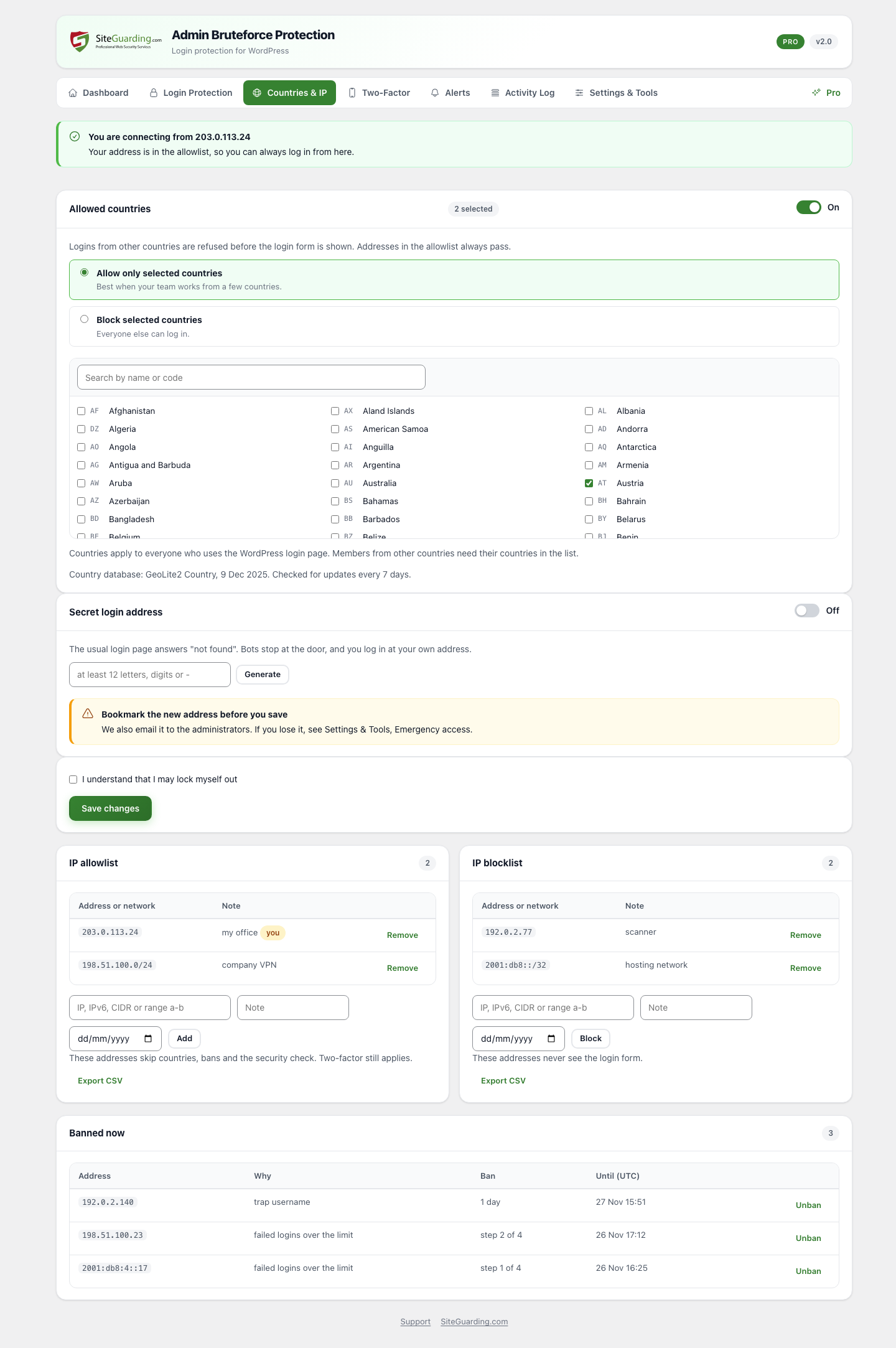
  • Any number of countries, or the other way round: block only the countries you choose. The country database is updated every 7 days.
  • Unlimited IP lists with ranges, notes and expiry dates, import and export.
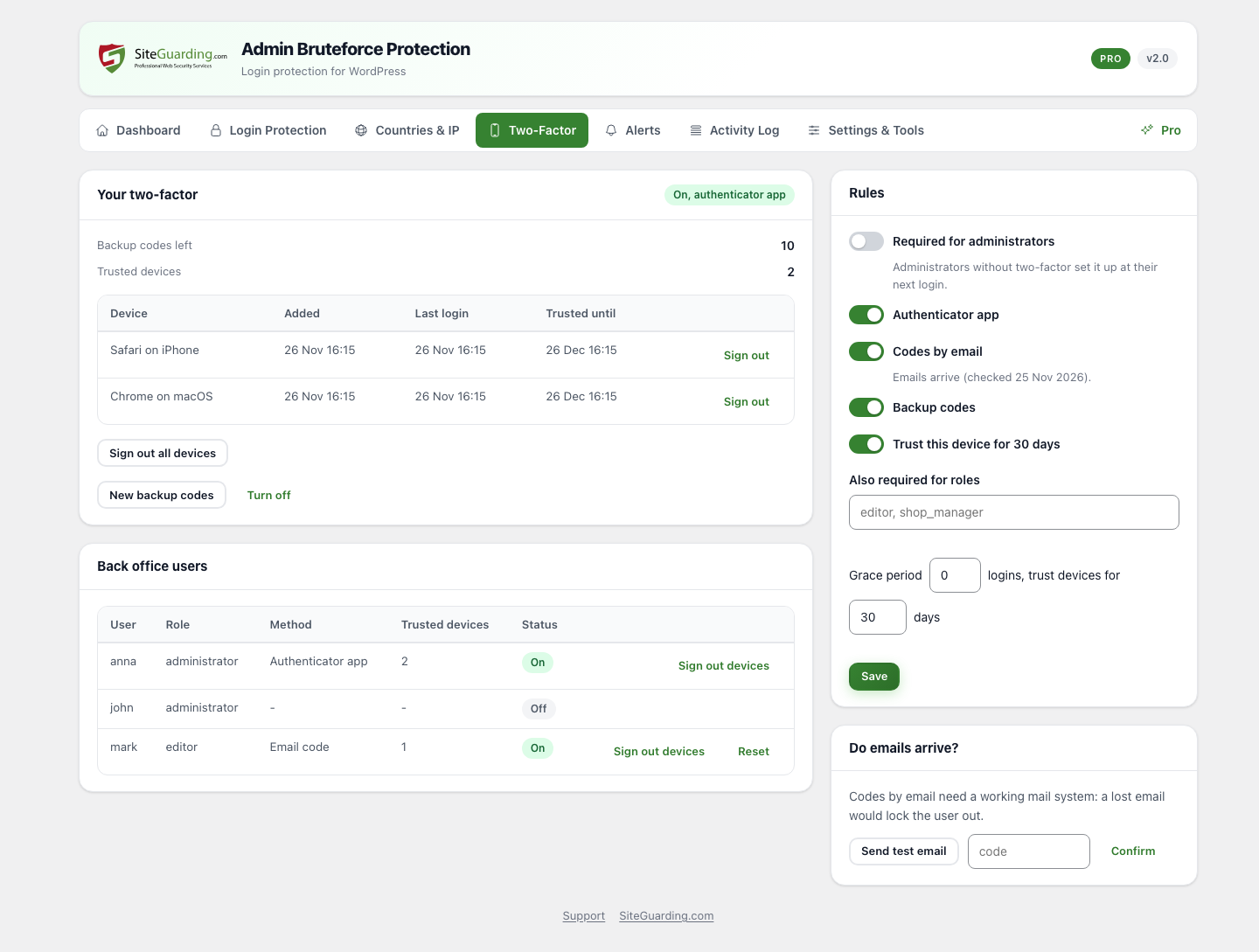
  • Two-factor for your team. Require it for any role, give a grace period of a few logins, see and sign out the trusted devices of every user. Two-factor for WooCommerce customers too.
  • Sessions. One session per user and "Log out everywhere".
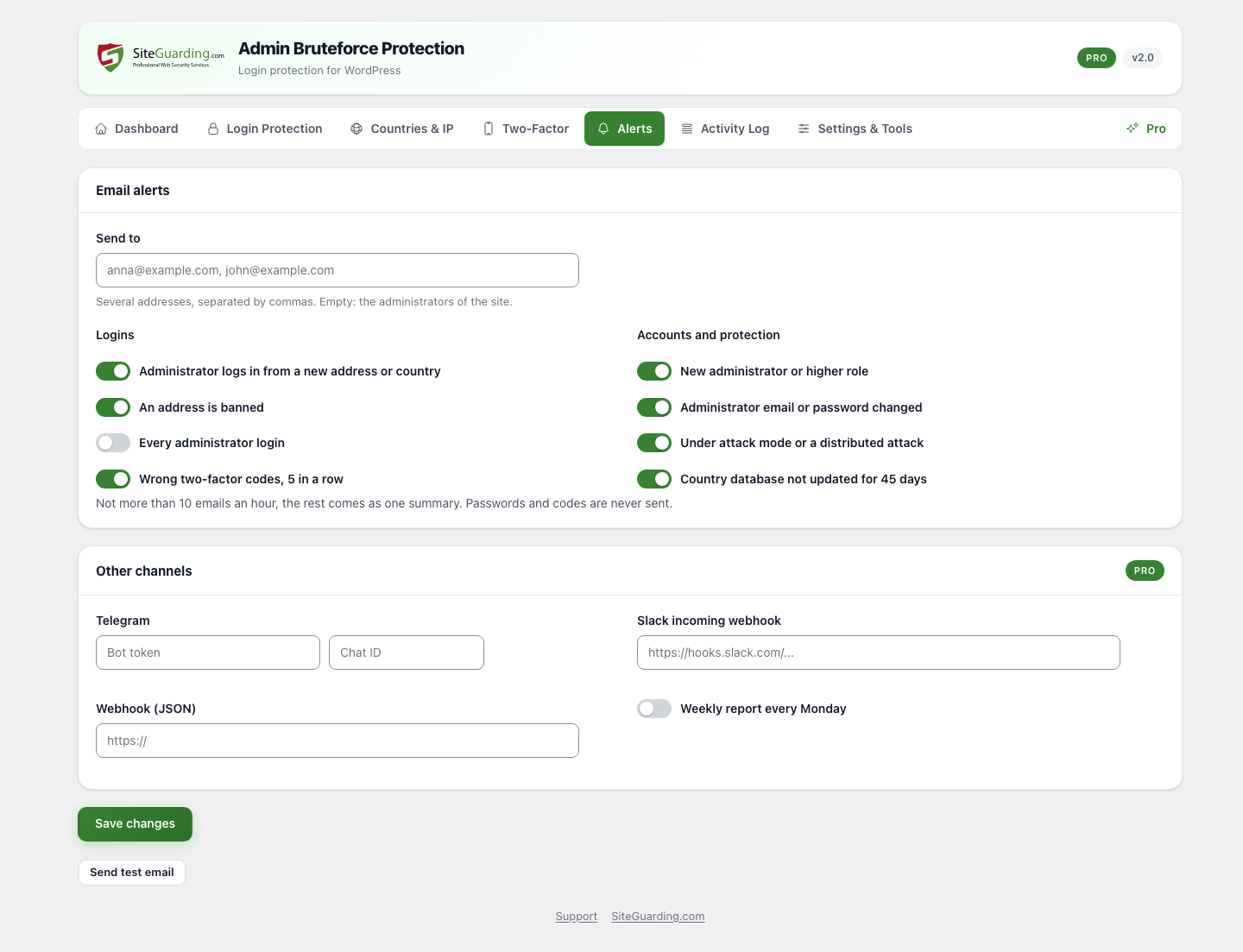
  • Alerts in Telegram, Slack and to a webhook, besides email, and a weekly report every Monday.
  • 90 days of activity log with filters and CSV export.
  • Your own list of trap usernames.

Screenshots

Plans

All plans are a yearly subscription with automatic renewal. One licence key works on all sites within its limit.

Pro, 1 site

$49.95 per year

Pro, 5 sites

$99.95 per year

Pro, 25 sites

$199.95 per year

Try it free for 14 days

Start a trial in your SiteGuarding account: enter the address of your site and get a key for 14 days. No card is needed. One trial per site.

Already included in your plan

Pro for 1 site is included in the Website Care Plan and in the Premium and Business website protection plans. Your key is in your SiteGuarding account.

How to start

1. Install the free Admin Bruteforce Protection for WordPress.

2. Download the Pro add-on and install it in Plugins > Add New Plugin > Upload Plugin, next to the free plugin.

3. Open Bruteforce Protection > Pro and enter the key from your SiteGuarding account.

Download Pro

The add-on works only with an active licence. WordPress 5.9 or newer, PHP 7.2 or newer.

FAQ

Do I need the free plugin?

Yes. Pro is an add-on: it is installed next to the free Admin Bruteforce Protection plugin and turns on the Pro settings in its screens.

What does the licence check send?

Once a day: the licence key, the domain of the site, the CMS and the version of the add-on. If our server cannot be reached, Pro keeps working for 7 days.

What happens when the licence ends?

The free protection goes on. The Pro rules stop, and your Pro settings are kept for when you renew.

How do updates work?

Pro updates from siteguarding.com on the WordPress Plugins screen, like the free plugin.

Requirements

The free Admin Bruteforce Protection for WordPress 2.0 or newer, WordPress 5.9 or newer (tested up to 7.1), PHP 7.2 or newer (tested up to 8.5).

Changelog

2.0
First version of the Pro add-on: distributed attack protection, bans of networks and under attack mode, any number of countries or blocked countries, unlimited IP lists with ranges and expiry dates, two-factor rules for every role and for customers, one session per user and log out everywhere, alerts in Telegram, Slack and to a webhook, weekly report, 90 days of activity log with CSV export.

Live Chat Support
Our website uses cookies, which help us to improve our site and enables us to deliver the best possible service and customer experience. See our policy Accept