
Real speed for real shoppers. Measure LCP, INP and CLS where Google measures them, fix what slows your store down, and check every change before your customers see it.
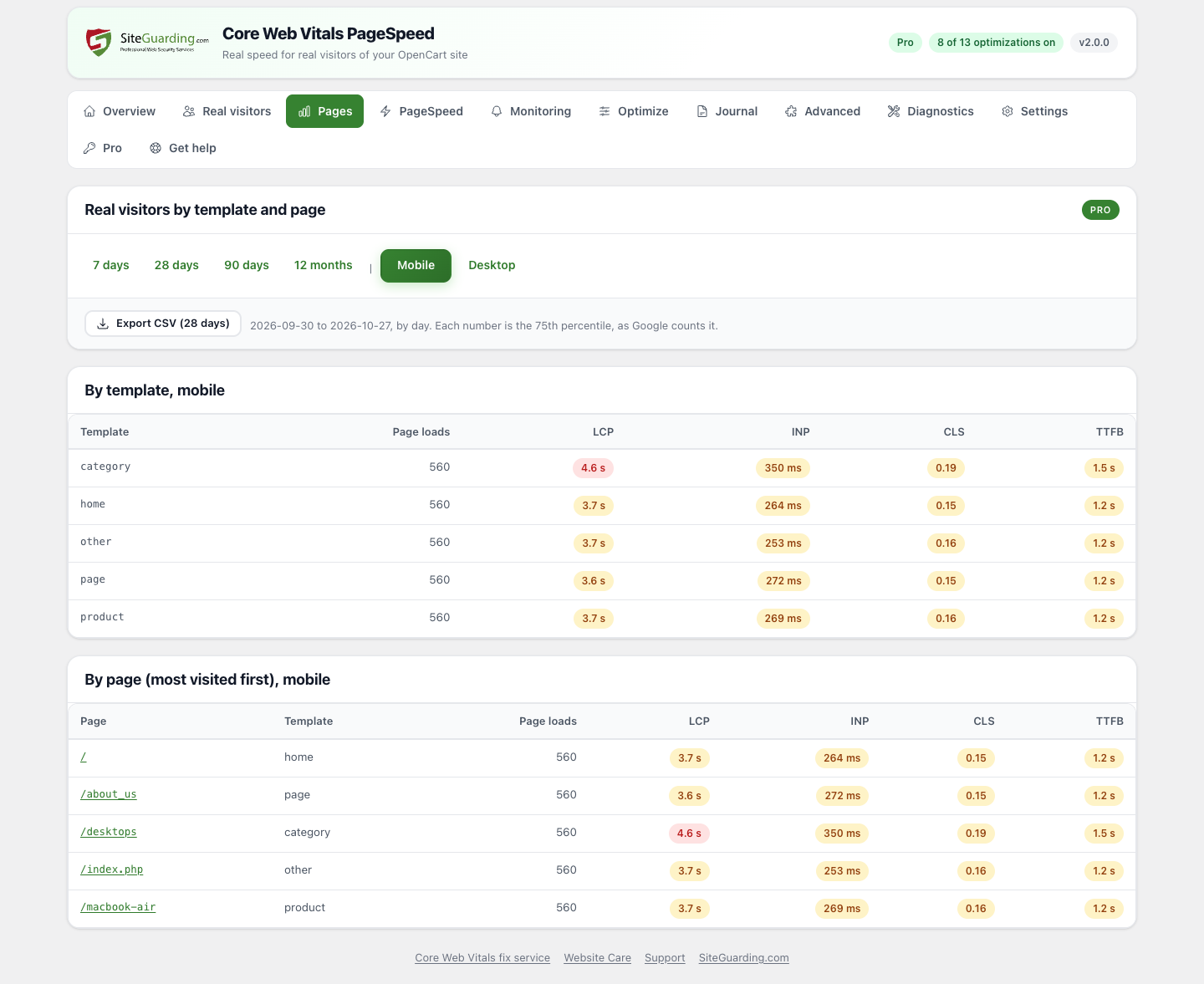
Google ranks pages by the Core Web Vitals of real Chrome users: how fast the main content appears (LCP), how quickly the page reacts to clicks and taps (INP) and how stable the layout is (CLS). A good PageSpeed score in a lab test does not help if real shoppers still wait. This module works with the numbers that count: the speed of your real visitors.
Speed numbers stay on your own store. No cookies, no IP addresses, no personal data, nothing is sent to other servers. The page address is kept without its query string, for up to 28 days.
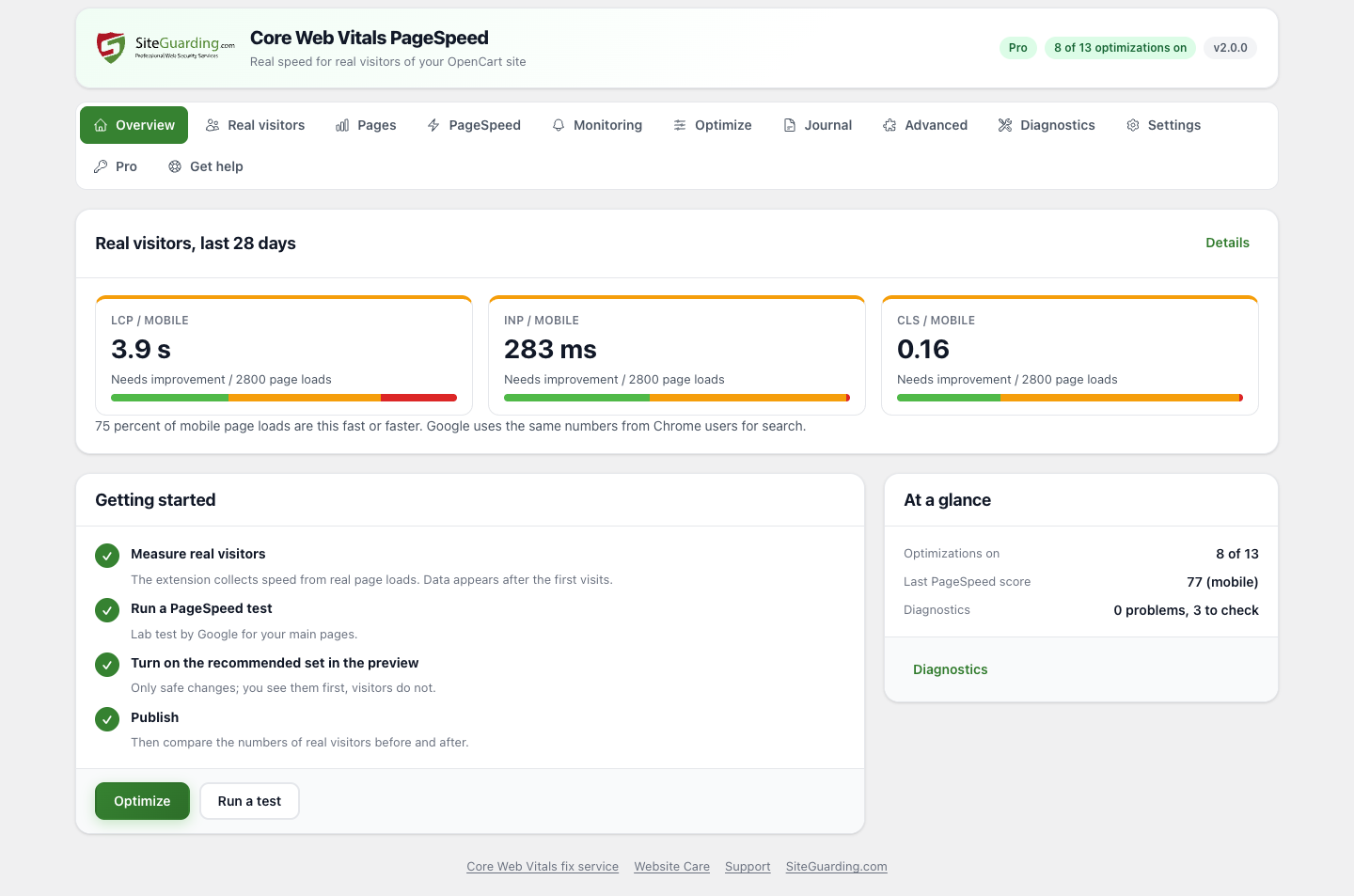
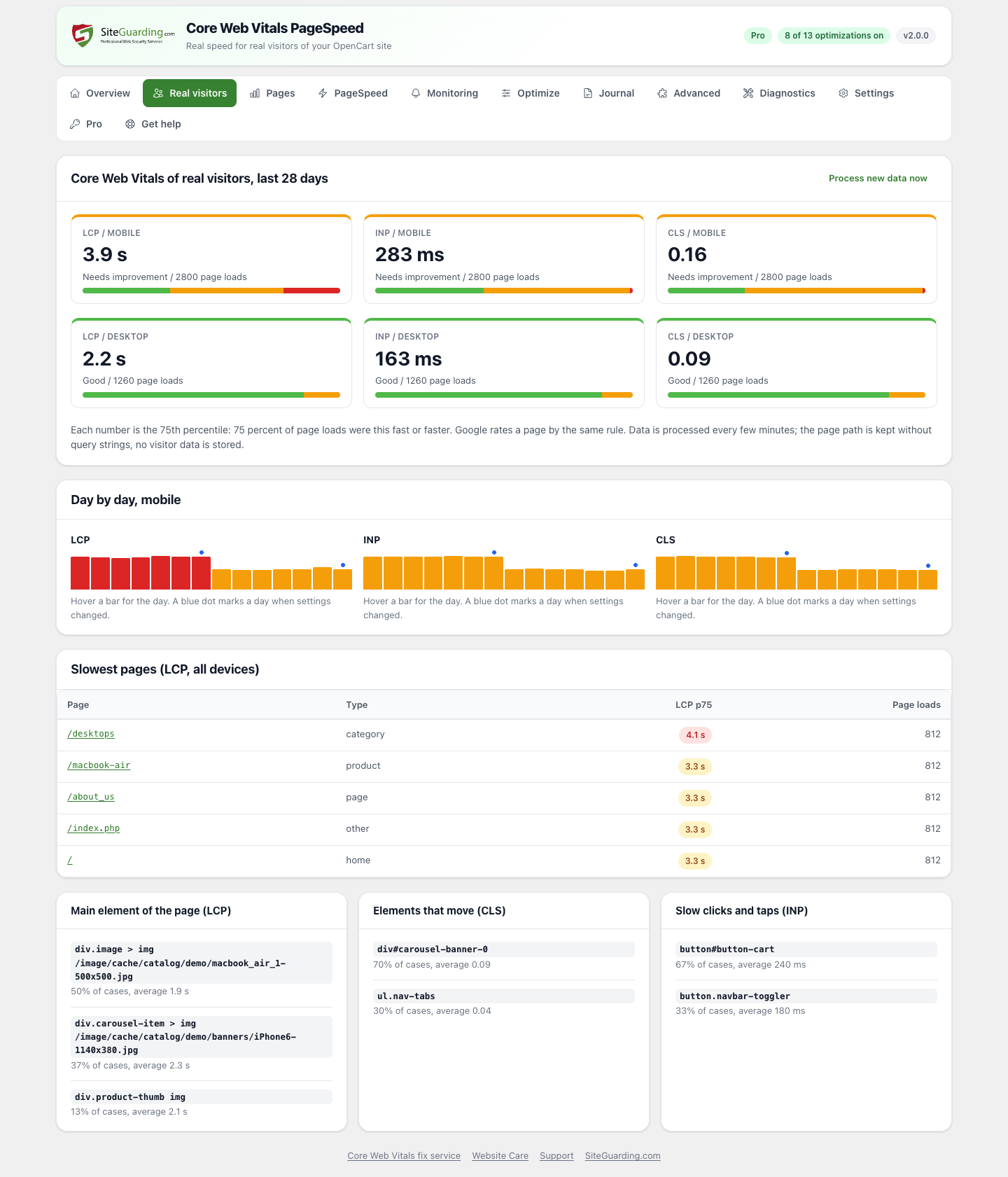
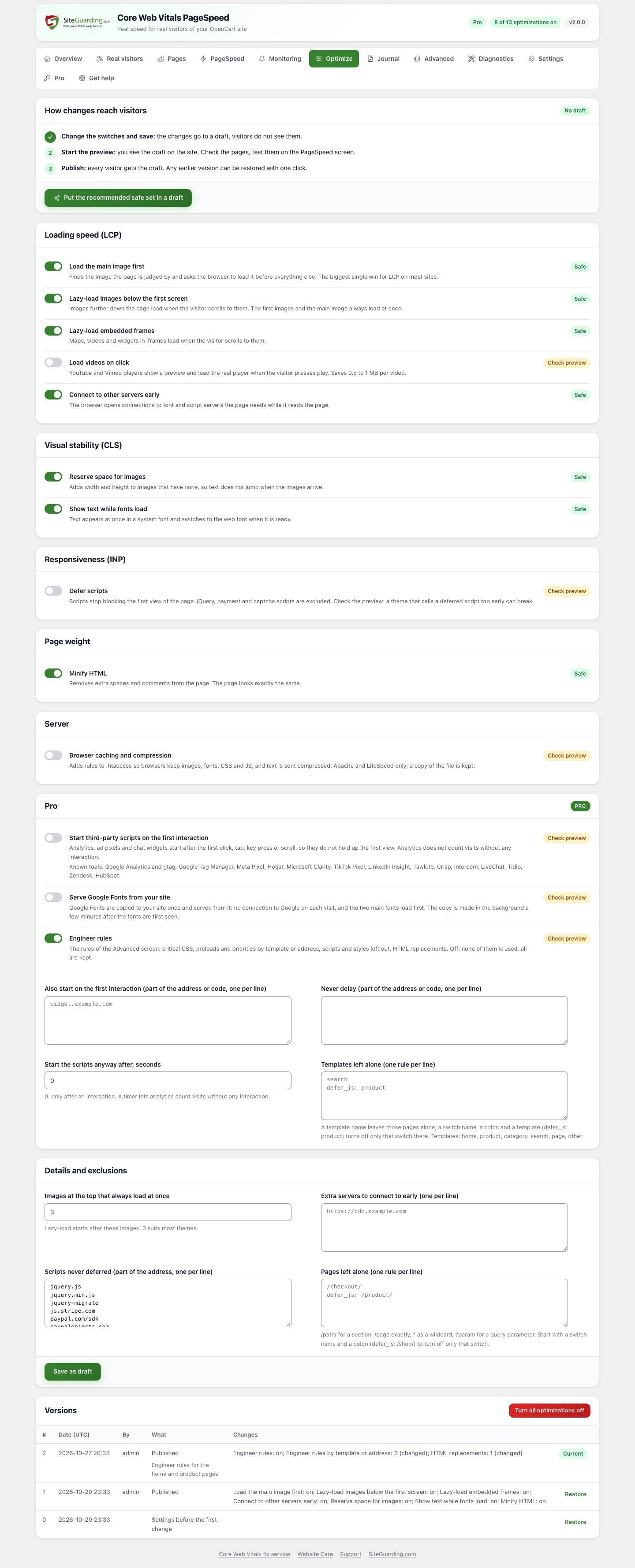
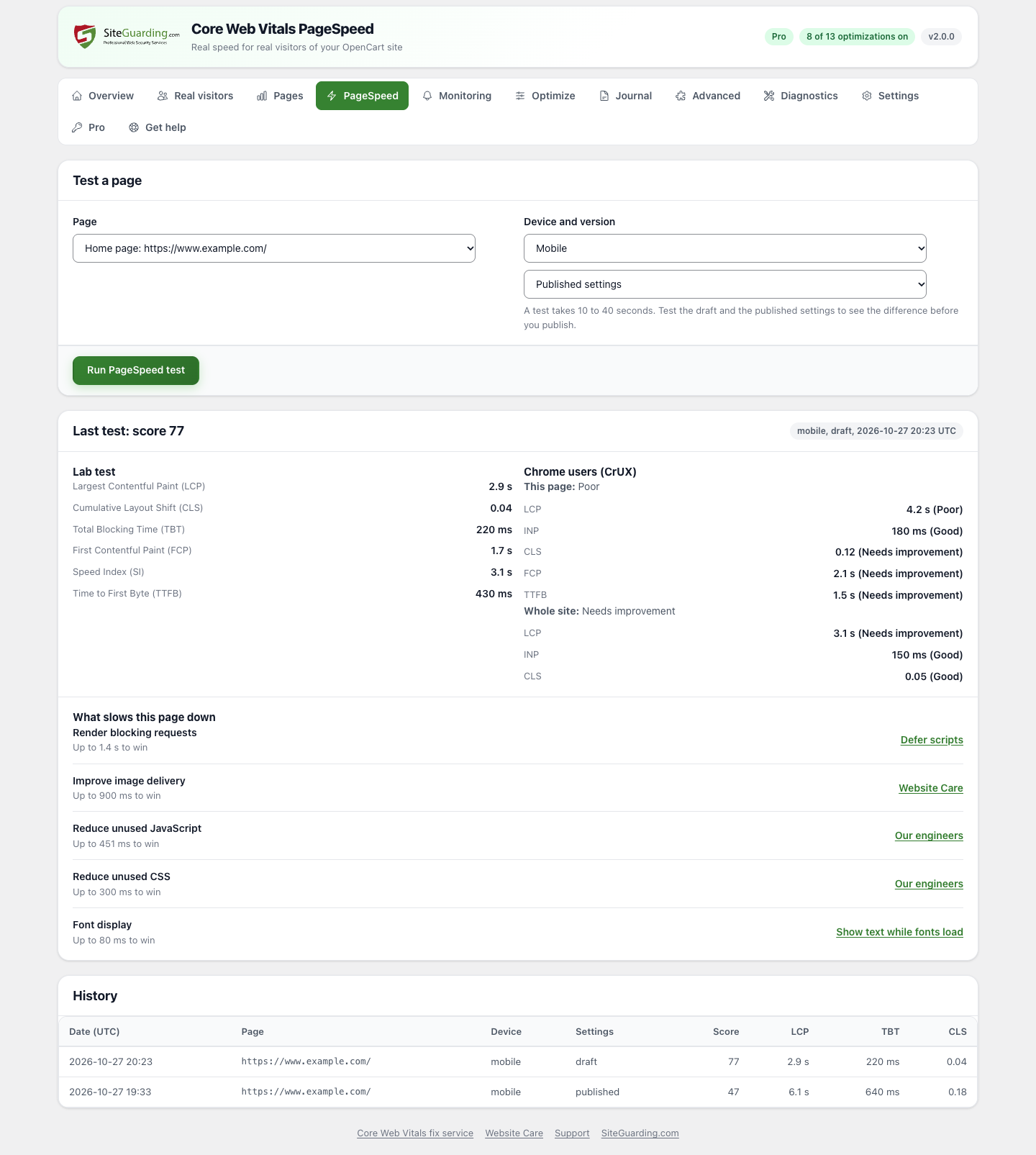
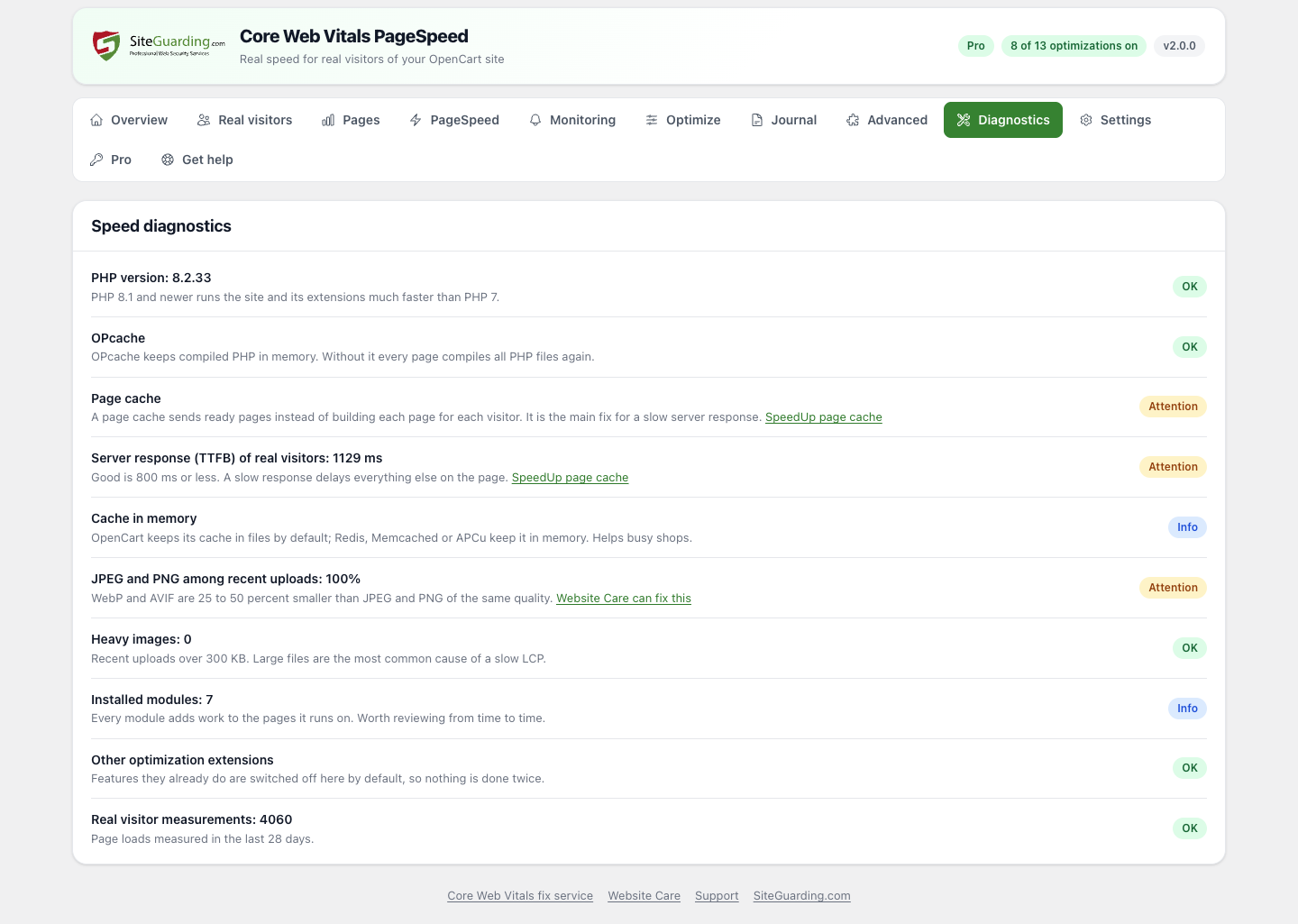

|
Free
Core Web Vitals PageSpeed
|
Pro
Core Web Vitals PageSpeed Pro
|
|
|---|---|---|
| Real visitor measurements | Whole store, 28 days | Per page and page type, 12 months, CSV export |
| What to blame (LCP, CLS, INP elements) | Top 5 for the store | For every page and page type |
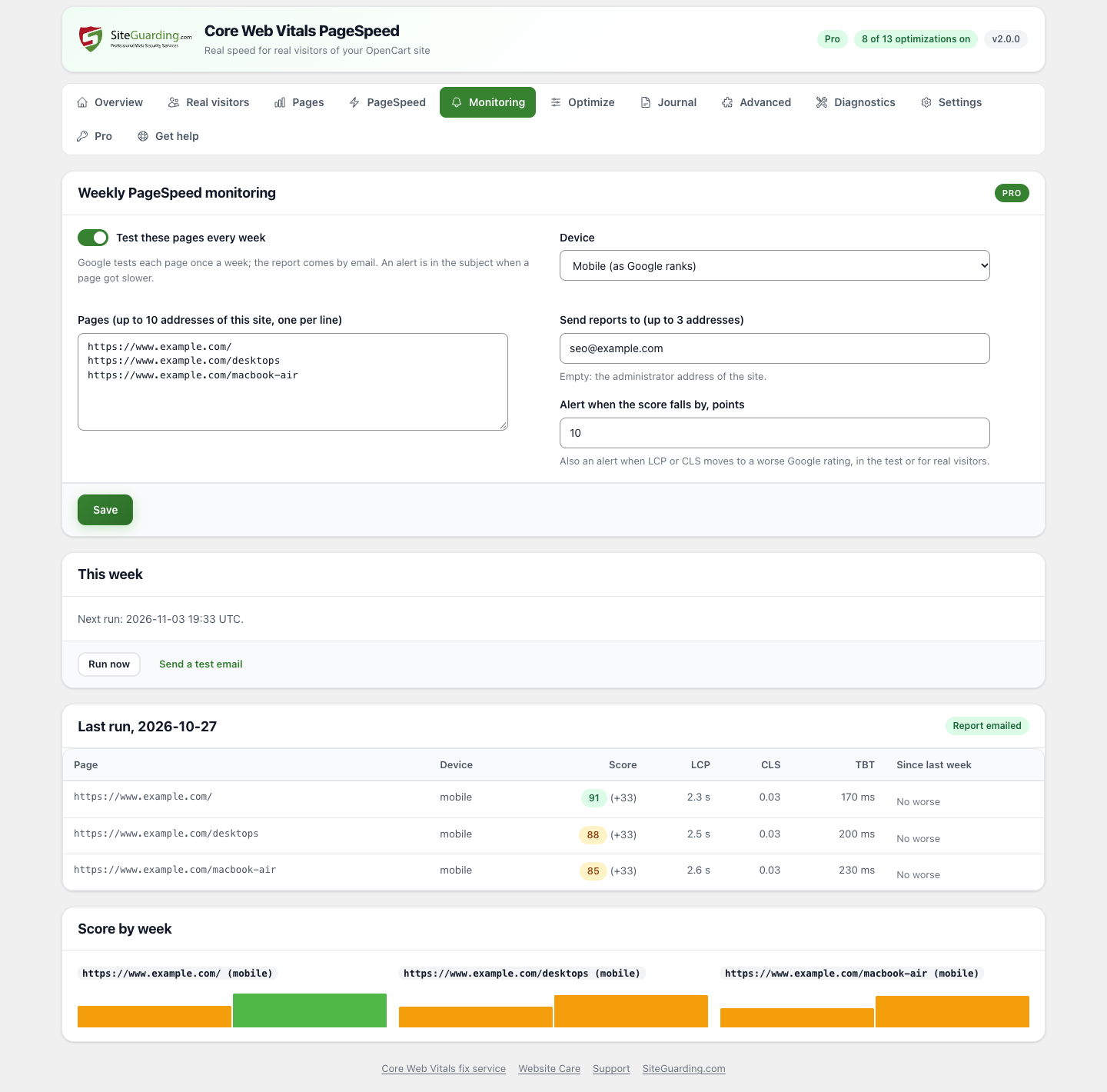
| PageSpeed Insights tests | Manual, last 20 tests | Plus weekly monitoring of 10 pages, email reports and alerts |
| Safe optimizations, preview and rollback | YES | YES |
| Delay third-party scripts until the first interaction | - | YES |
| Host Google Fonts locally | - | YES |
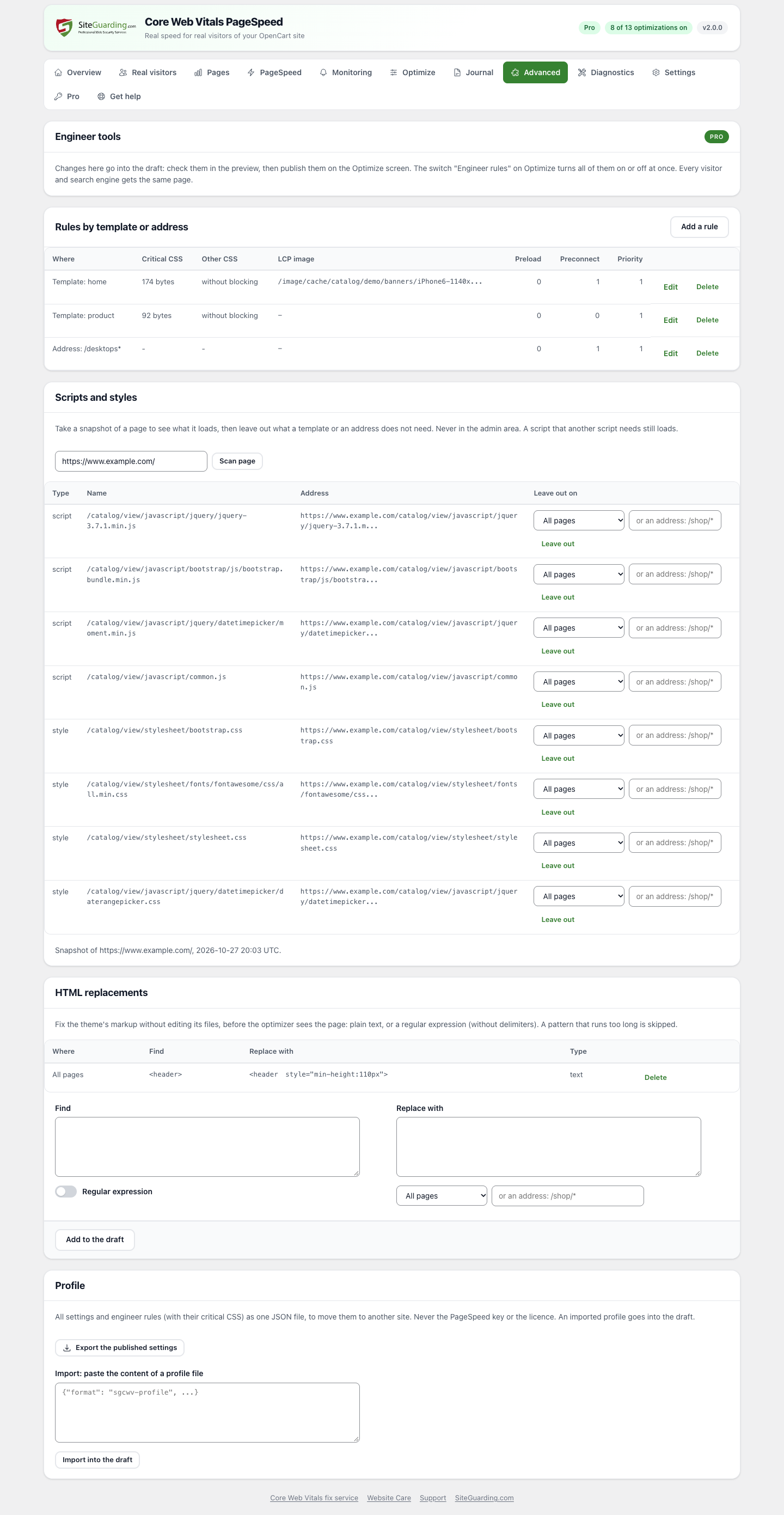
| Engineer tools: critical CSS per page type, scripts per page, HTML rules | - | YES |
Pro is an add-on to the free module. Plans for 1, 5 and 25 sites.
After the purchase, download the Pro add-on for your OpenCart version in your SiteGuarding account, install it next to the free module and enter your licence key on its Pro screen.
Some problems need a developer: a heavy theme, a slow module, a server that answers late. Our engineers review your store, fix the slow parts by hand and check the result on real visitor data. Order a performance audit or get a quote for a full fix.
OpenCart 3.0.3.0 or newer (tested up to 3.0.5.1) with PHP 7.2 or newer; OpenCart 4.0.2.0 or newer (tested up to 4.1.0.4) with PHP 8.0 or newer. MySQL or MariaDB.
Free, no account needed. Keep the file name: OpenCart 4 takes the module code from it.
OpenCart 3.0.x
1. In the administrator area, open Extensions > Installer and upload opencart3cwv.ocmod.zip.
2. Open Extensions > Extensions, choose Modules, find Core Web Vitals PageSpeed and click Install, then Edit.
3. Real visitor measurements start at once. To speed up the store, put the recommended safe set in a draft, check it in the preview and publish.
OpenCart 4.0.2 to 4.1
1. Open Extensions > Installer, upload siteguardingcwv.ocmod.zip (keep the file name) and click Install.
2. Open Extensions > Extensions, choose Modules, find Core Web Vitals PageSpeed and click Install, then Edit.
3. Real visitor measurements start at once. To speed up the store, put the recommended safe set in a draft, check it in the preview and publish.
Pro: install the Pro add-on the same way (it works together with the free module) and enter your licence key on the Pro screen.
OpenCart has no automatic updates for modules: the module shows a notice on its Overview screen when a new version is out, with a download link.
OpenCart 3: upload the new file in Extensions > Installer, then open the module page once.
OpenCart 4: in Extensions > Extensions > Modules uninstall Core Web Vitals PageSpeed, in Extensions > Installer uninstall and delete it, then upload the new file, install it and install the module again.
Settings and measurements stay in both cases. Pro shows a new version on its Pro screen with a download button and the same steps. Pro updates come with an active licence.
2.0.0
New module: real visitor Core Web Vitals, safe optimizations with draft, preview and rollback, PageSpeed Insights tests and speed diagnostics.